Decision rule
Use RenderPipeline when WebGPURenderer and TSL own the final image. Use EffectComposer when WebGLRenderer and its addon pass chain own the application. During a WebGPU migration, rebuild each required effect as part of a TSL node graph rather than trying to run the old EffectComposer unchanged.
Keep one owner for presentation. If renderPipeline.outputNode ends in renderOutput(...), set renderPipeline.outputColorTransform = false. After changing renderPipeline.outputNode or renderPipeline.outputColorTransform, set renderPipeline.needsUpdate = true so the graph rebuilds. Do not apply a second tone map or color-space conversion elsewhere.
This comparison targets Three.js 0.185.1.
Architecture comparison
| Criterion | RenderPipeline | EffectComposer |
|---|---|---|
| Owning renderer | WebGPURenderer | WebGLRenderer |
| Composition model | TSL node graph assigned to outputNode |
Ordered chain of render and shader passes |
| Scene input | pass(scene, camera) and its texture or depth outputs |
A render pass commonly starts the composer chain |
| Effects | TSL display and post-processing nodes | Addon passes, often backed by GLSL shaders and render targets |
| Shared signals | Can expose MRT outputs such as color, normal, emissive, or velocity from a scene pass | Passes usually exchange textures through the composer chain; specialized sharing is application-owned |
| Graph changes | Output or diagnostic graph changes can require needsUpdate |
Pass ordering and enabled state are controlled through the composer/pass lifecycle |
| Final output | One selected node graph, optionally ending in renderOutput() |
Last enabled pass normally presents the result |
| Migration | Re-express effects, signals, history, and output ownership in TSL | Preserve when WebGLRenderer remains the supported path |
The official WebGPURenderer manual states that EffectComposer passes are not supported by WebGPURenderer. This is the controlling compatibility fact. Similar visual effect names do not make the implementations interchangeable.
Choose RenderPipeline when
- The renderer is WebGPURenderer.
- Materials and post effects are already expressed in TSL.
- Several effects can consume a deliberately shared depth, normal, velocity, emissive, or color signal.
- Compute and render work need one composable graph.
- The application can own graph invalidation, history, resizing, output color, and diagnostics explicitly.
RenderPipeline is especially useful when one scene pass can provide signals required by several consumers. That does not justify allocating every possible MRT output. Each attachment has storage and bandwidth cost, so it needs a named consumer and a lifecycle owner.
Keep EffectComposer when
- The renderer is WebGLRenderer.
- Existing addon passes and custom GLSL effects are tested and meet the product requirement.
- The application does not need a WebGPU-only feature.
- A renderer migration would add risk without a measured benefit.
- The team has established pass, render-target, resize, and disposal conventions around the composer.
EffectComposer remains the correct owner for its supported WebGL stack. A mature pass chain should not be rewritten only to make the code resemble a newer API.
Cost model
Neither class name proves a faster pipeline. Inspect the actual graph.
| Cost | RenderPipeline question | EffectComposer question |
|---|---|---|
| Scene renders | Can required signals come from one justified MRT pass? | Does any pass render the scene again for depth, normals, masks, or selection? |
| Full-screen work | Which node effects compile into separate work? | How many full-screen shader passes and copies run? |
| Attachments | Which formats, samples, and MRT outputs are allocated? | Which intermediate render targets and formats are allocated? |
| History | Who allocates, clears, resizes, and invalidates temporal buffers? | Which pass owns its history and reset rules? |
| Output | Is renderOutput() applied exactly once? |
Which pass performs tone mapping and final color conversion? |
| Diagnostics | Can each signal and contribution be isolated? | Can every important intermediate target be inspected? |
MRT can reduce repeated scene work when several effects consume its outputs. It can also waste bandwidth when attachments are unconditional or oversized. EffectComposer can be efficient for a small, stable chain. Measure passes, draws, formats, bandwidth, and frame behavior on the target device.
Migration mapping
Treat migration as a signal graph exercise:
- List every EffectComposer pass in order.
- Record its inputs, outputs, color space, resolution, history, and resize behavior.
- Identify repeated scene renders and intermediate copies.
- Map each required effect to a supported TSL node or a bounded custom TSL implementation.
- Build one
pass(scene, camera)and allocate only the signals consumed downstream. - Give temporal resources explicit reset conditions for resize, camera cuts, projection changes, and feature toggles.
- Assign one final output transform.
- After changing
renderPipeline.outputNodeorrenderPipeline.outputColorTransform, setrenderPipeline.needsUpdate = true. - Compare fixed-view final output, individual diagnostics, and a no-post baseline.
The WebGLRenderer migration guide covers the renderer boundary that must accompany this change.
Common failure: double output transform
A scene pass, an effect, and the renderer can each appear capable of tone mapping or color conversion. Only one should own final presentation. If renderOutput() already converts the composed node to the target tone mapping and color space, a second presentation transform can crush highlights, shift contrast, or alter color.
Use the double tone-mapping FAQ for the diagnostic sequence. Compare the raw scene signal, composed pre-output signal, and final displayed signal separately.
Conclusion
Use RenderPipeline with WebGPURenderer and EffectComposer with WebGLRenderer. If renderPipeline.outputNode ends in renderOutput(...), set renderPipeline.outputColorTransform = false; after changing renderPipeline.outputNode or renderPipeline.outputColorTransform, set renderPipeline.needsUpdate = true.
Limitations
RenderPipeline evolves with the experimental WebGPURenderer path, and r185 behavior must be rechecked on later revisions. EffectComposer passes are not drop-in TSL nodes. Similar-looking effects may use different samples, reconstruction, color assumptions, and quality tradeoffs.
No pipeline fixes poor material signals, unstable motion vectors, incorrect depth reconstruction, missing history invalidation, or leaks by itself. The final choice is valid only when its mechanisms and diagnostic output pass on the actual workload.
Relevant product evidence
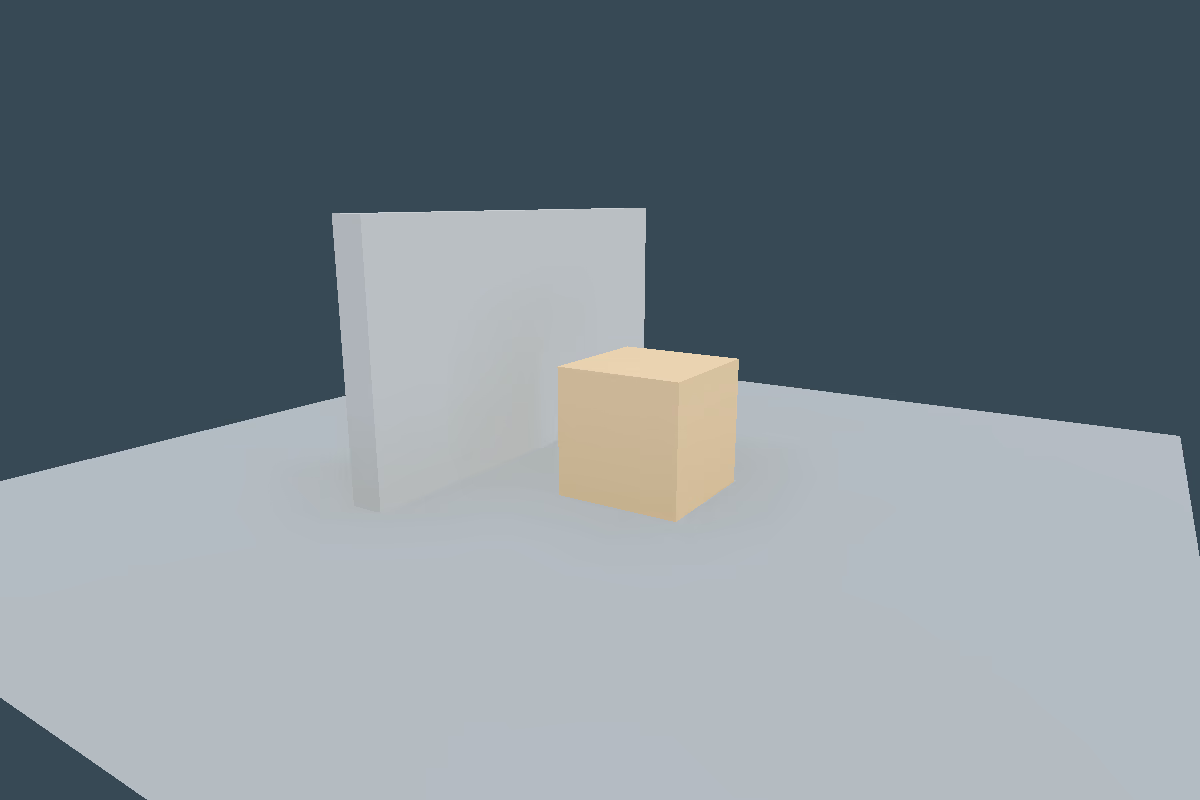
integration-image-pipeline-ao. Integration; current status accepted. Inspect the evidence report.Relevant skills
Relevant demos and evidence
Sources and correction path
- threejs.org/manual/en/webgpurenderer
- threejs.org/docs/TSL.html
- threejs.org/manual/en/post-processing.html
- threejs.org/manual/en/how-to-use-post-processing.html
- github.com/mrdoob/three.js/releases/tag/r185
- github.com/linegel/threejs-complete-set-of-skill/blob/main/skills/threejs-image-pipeline/SKILL.md
- Report a correction